About Icarus and this guide
"ICARUS is a PvE survival game for up to eight players. Explore a savage wilderness in the aftermath of terraforming gone wrong. Survive the Open World, complete timed Missions or build your Outpost. Explore, build, craft and hunt while seeking your fortune and prospecting for exotic matter."
Yes, you can play it solo, my preferred method to 'learn the ropes.' It's a confusing game to start though since the tutorials leave a lot to be desired and only make sense after you've been playing a while. So that's what this tutorial is about: getting beginners up to scratch. You'll find, once you learn the basics, it's an addictive game which will keep you entertained for hours.
A word of warning: the game is constantly being developed and is updated each Friday. The updates can be large so expect this game to take a long time to load after the update. A fast Internet connection doesn't seem to help much (I use Starlink and have a 360 Mb/sec download speed), the bottleneck obviously being the game server.
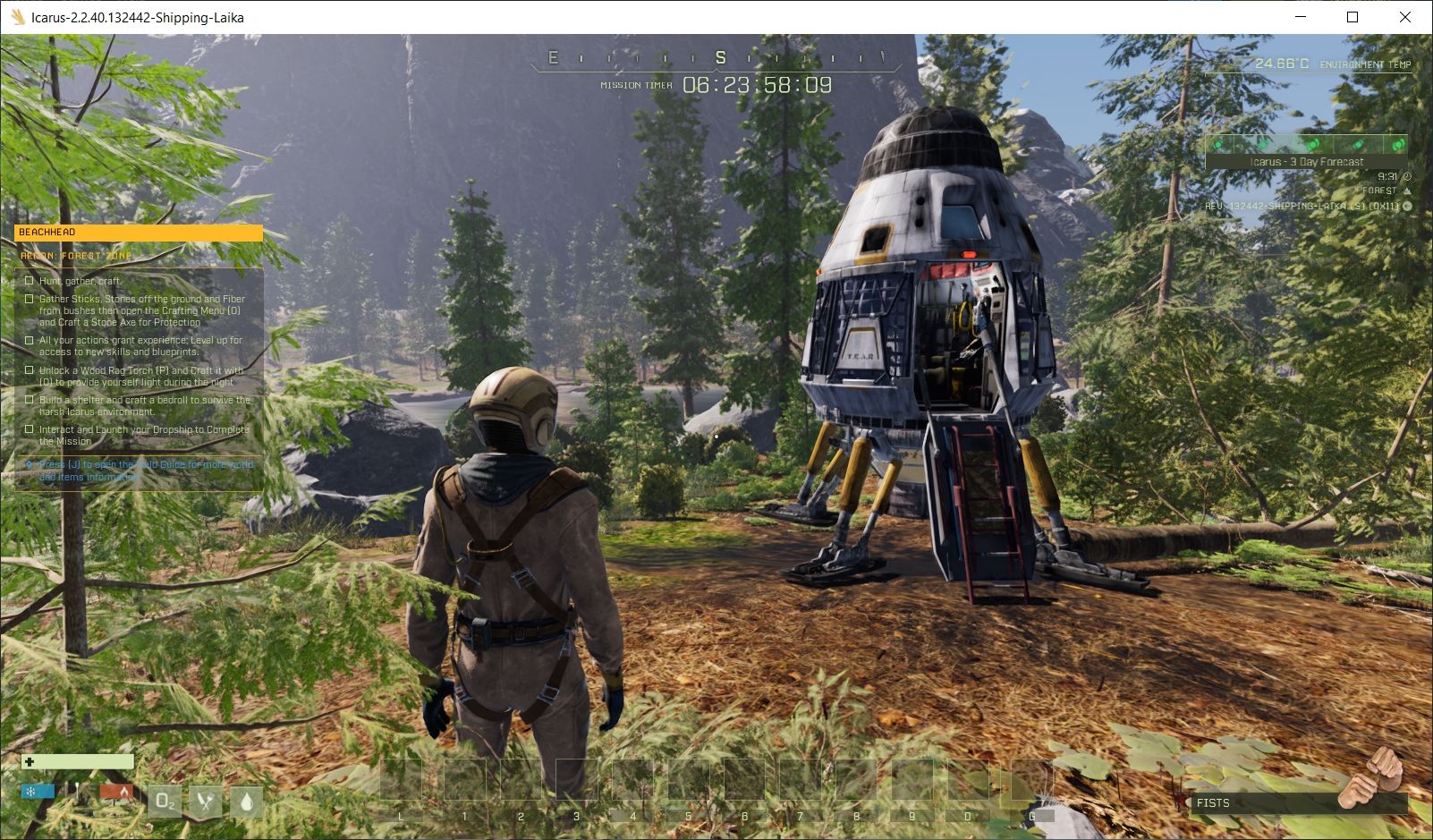
In this guide, click any screenshot to view it in full size. Click the enlarged image inside the popup to zoom in and out.

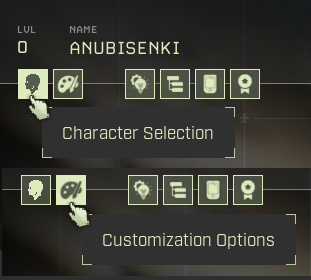
You can make your character masculine or feminine. You can give your character a voice (mostly effort grunts) appropriate to its sex. Other features are pretty much standard. Changing the default character is done by selecting the 'Customization Options' icon at the top left of the next screen.
Don't forget to give your character a name before clicking 'Select character'.
Your next screen may offer three or four choices, depending on if you or your Steam friends have already attempted to play. Before you select 'New' you'll probably want to click the settings gear icon at the top right. I invariably want to turn off game music and I also change the keyboard controls to what I'm used to playing. For example, I change the default action key from its default of 'F' to 'E'.
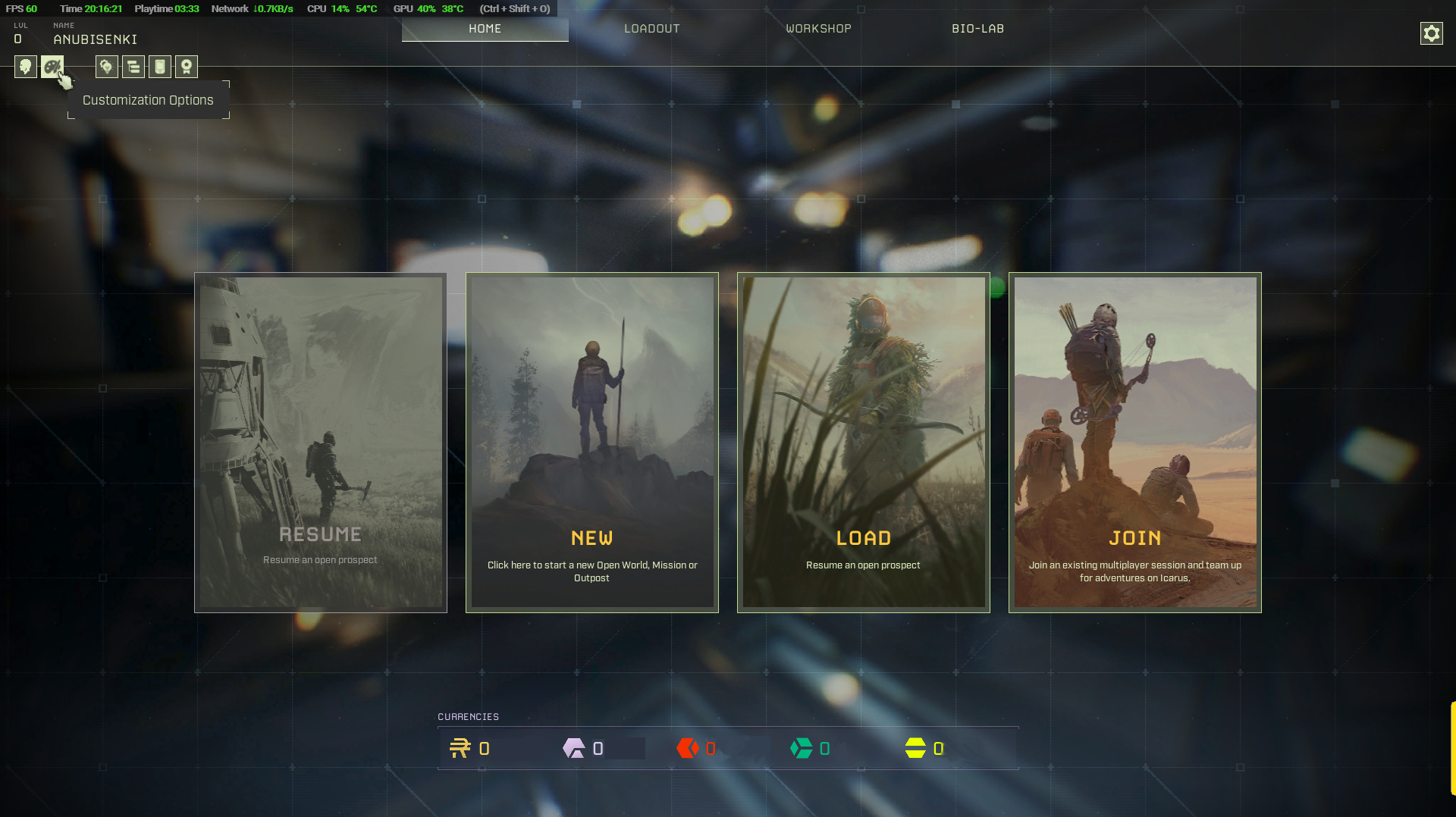
While you are on this screen there are icons to explore at the top left.
Ready to start? Select that large 'NEW' image.
Selecting the first Mission
You are now going to be offered a choice of missions. For beginners the best option is the middle 'Missions' choice which offers a series of tasks to help you learn how to play.
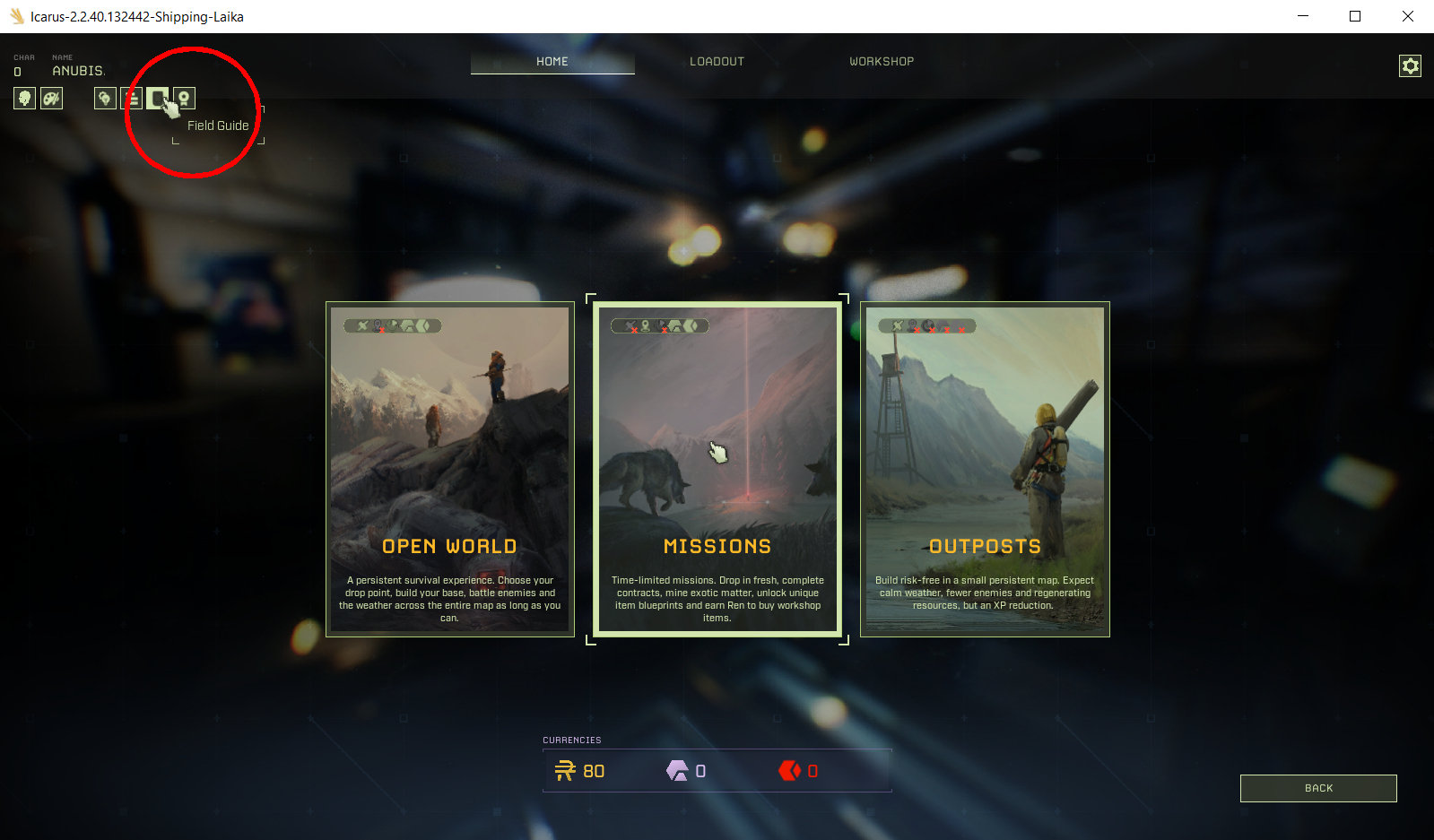
While you are on this screen it's worthwhile taking a look at the 'Field Guide' which appears for the first time, hidden at the top left. Take a look at the animals you will face.
Missions
Clicking the 'Missions' option will bring up this screen:
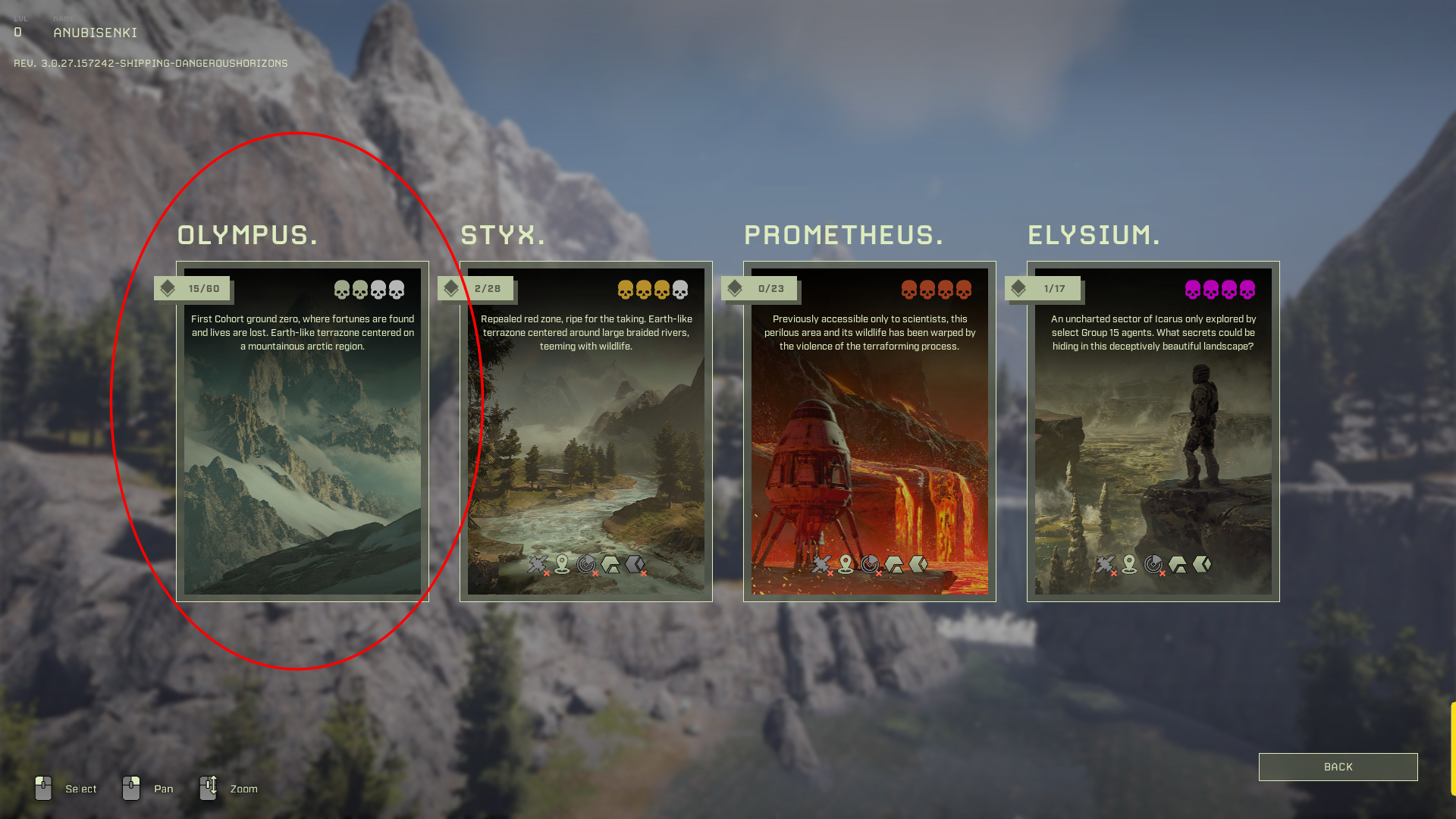
Click through on the Olympus option and you'll get:
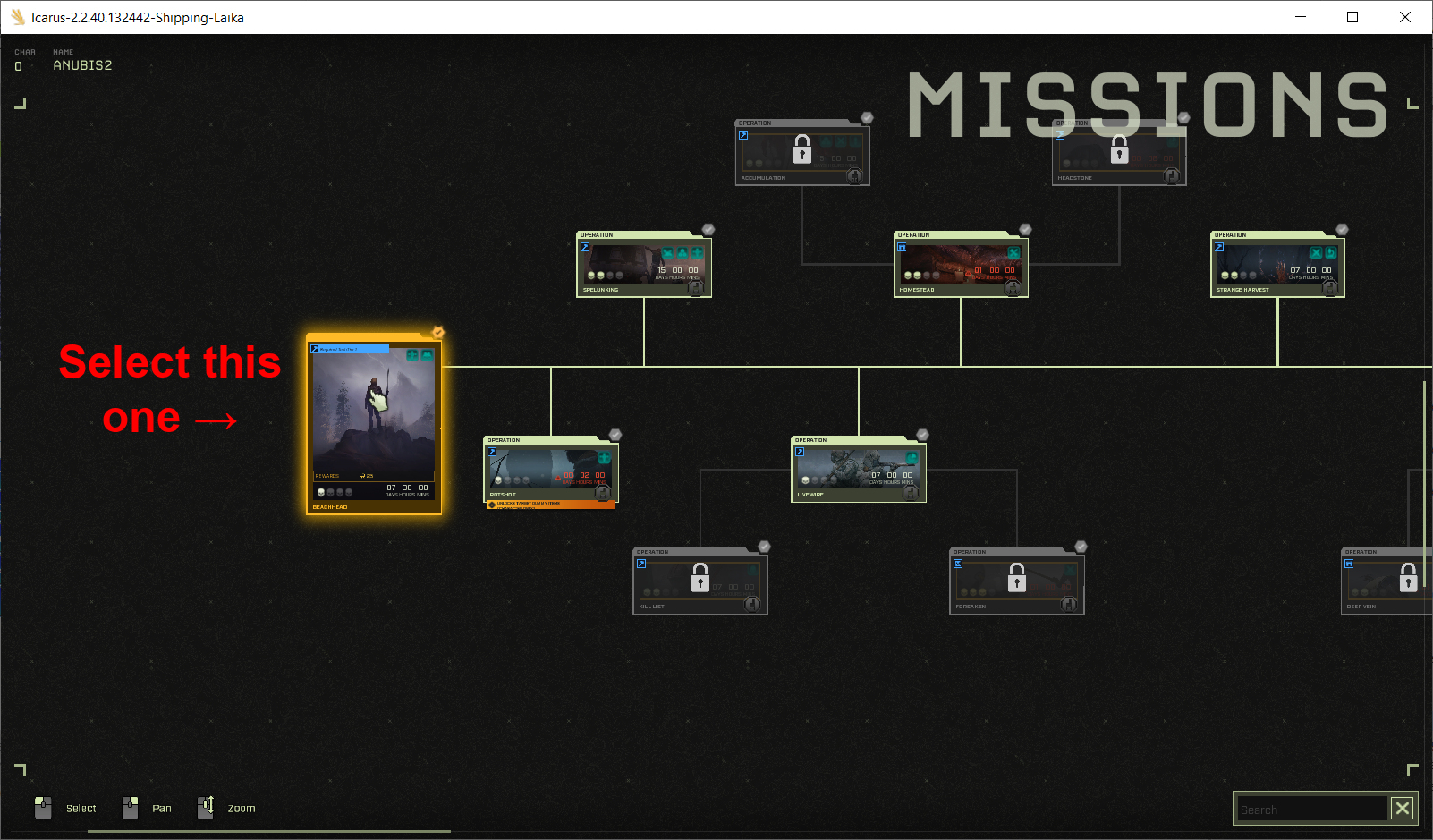
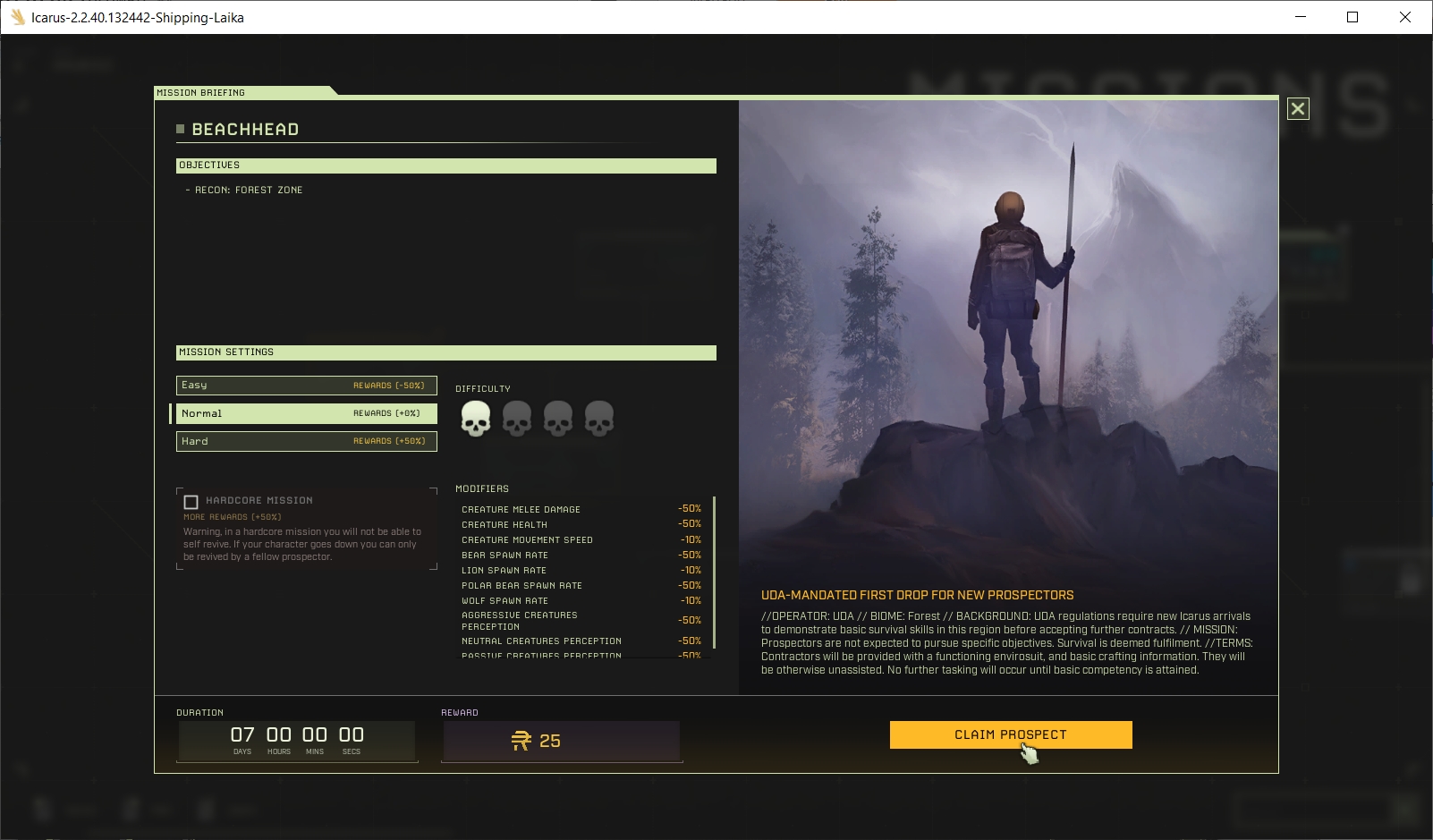
There's little information or options here, just click through on the 'Claim Prospect' button to get:
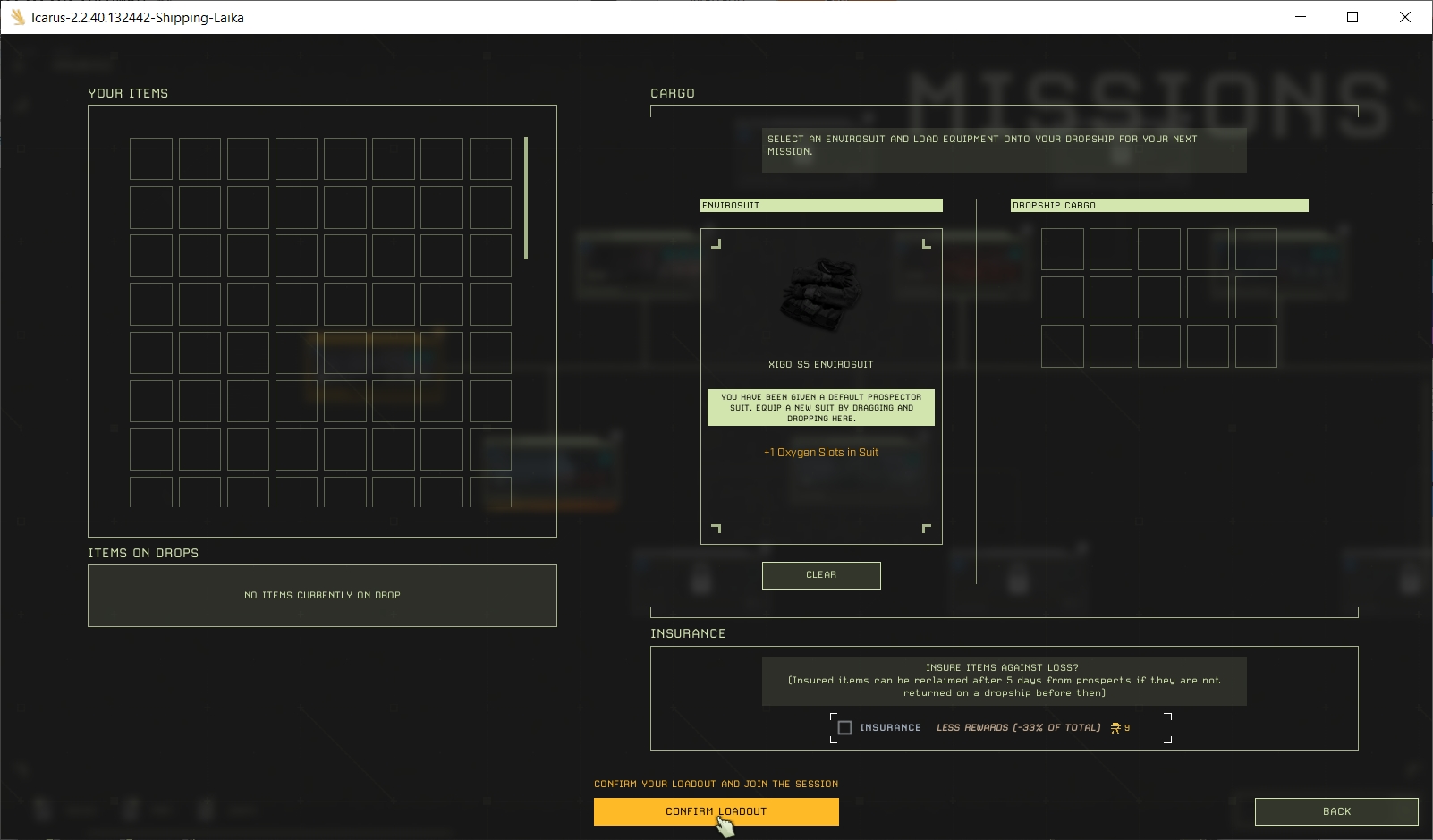
Again you have no options here so click through on 'Confirm Loadout' to get a final mission selection screen:
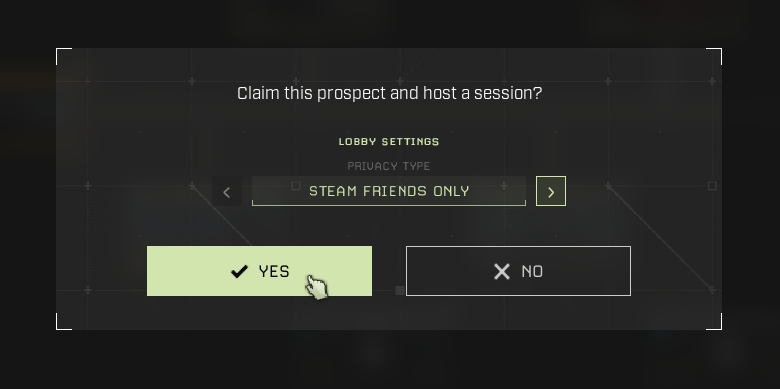
You are FINALLY ready to start playing. In this screen, having 'Steam friends only' selected might allow others you know play the game to help you, alternatively you could set it to solo play - it doesn't matter. Just click 'Yes' and wait while the world of Icarus loads and you ride a shuttle pod down to it.
 Click image to zoom in / out